Install Armonic in a Sylius project
These instructions are intended as a general guide. Versions of Sylius and its dependencies can vary considerably from one release to the next, which affects the functionality of the Armonic CMS. This documentation focuses on a very basic installation process to help you get started quickly. If you require a more customised installation for your project, please contact Softspring through the contact form or WhatsApp.
This guide assumes you have Composer, PHP, Node.js (npm or Yarn), and MySQL installed.
1. Install or prepare a Sylius project
If you already have a Sylius project, skip to Install Armonic in the Sylius project.
If not, follow the official Sylius documentation:
- Main docs: https://docs.sylius.com
- Requirements: https://docs.sylius.com/getting-started-with-sylius/before-you-begin
1.1 Create a new Sylius project
$ composer create-project sylius/sylius-standard ArmonicSyliusProject
$ cd ArmonicSyliusProject
1.2 Configure the database
Create (or update) .env.local:
DATABASE_URL="mysql://db_user:db_password@127.0.0.1:3306/sylius_%kernel.environment%?serverVersion=8.0"
Replace db_user, db_password, and any other values with your own credentials.
1.3 Install Sylius
$ php bin/console sylius:install
1.4 Install frontend assets
Using Yarn:
$ yarn install
$ yarn build
Using npm:
$ npm install
$ npm run build
1.5 Load fixtures
$ php bin/console sylius:fixtures:load
1.6 Start the local development server
$ symfony serve
Then open:
- Shop: https://localhost:8005/en_US/ (or https://127.0.0.1:8005)
- Admin: http://localhost:8005/admin (or http://127.0.0.1:8005/admin)
Default admin credentials:
- Username: sylius
- Password: sylius
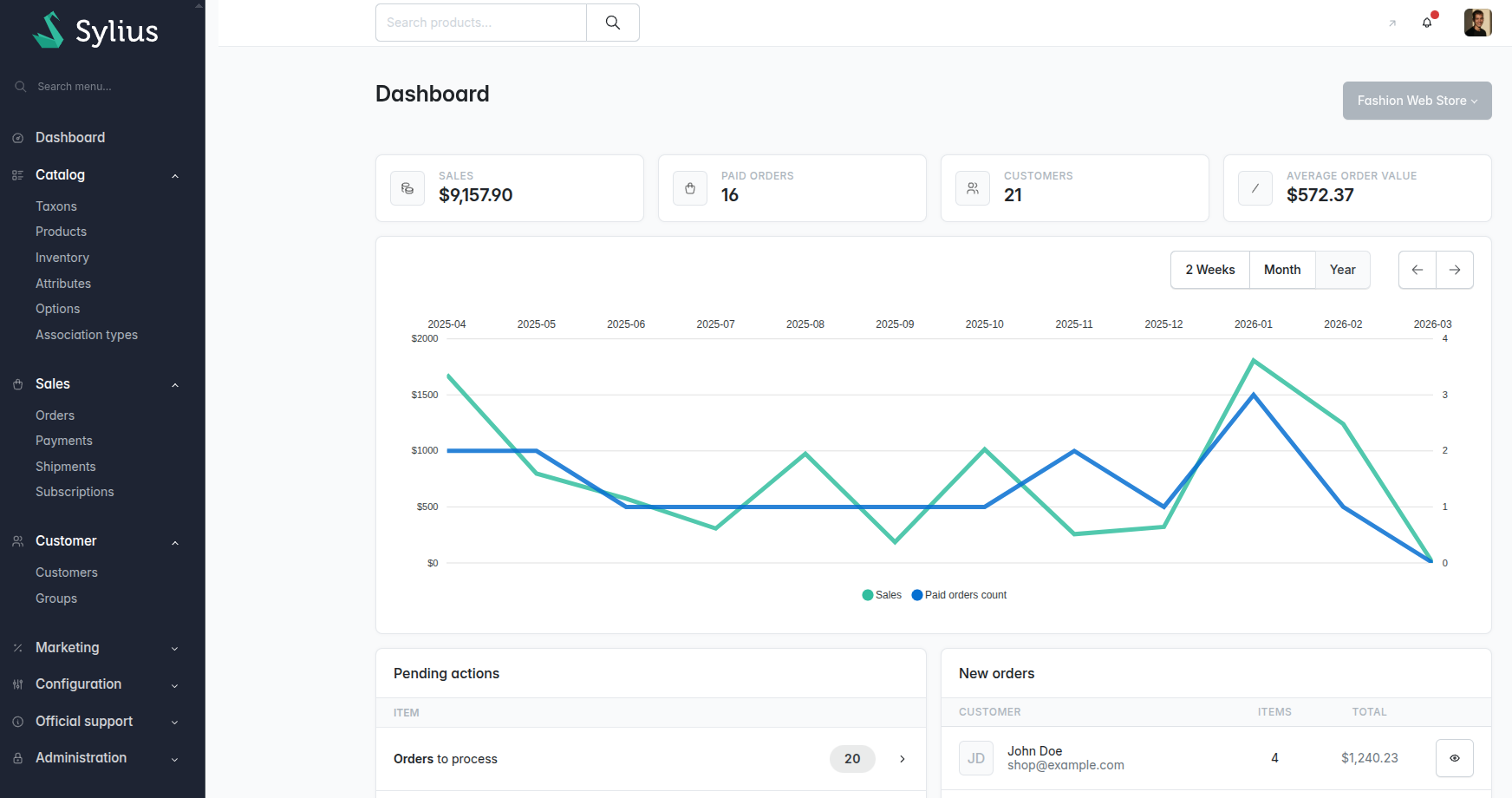
2. Install Armonic in the Sylius project
Now that Sylius is running, install the Armonic CMS bundles.
2.1 Install CMS bundles
$ composer require softspring/cms-bundle:^6.0@dev softspring/cms-sylius-bundle:^6.0@dev
2.2 Configure CMS routes for the admin area
Create config/routes/sfs_cms_admin.yaml:
_sfs_cms_admin_:
    resource: "@SfsCmsBundle/config/routing/admin.yaml"
    prefix: "/admin"

_sfs_cms_frontend_:
    resource: "@SfsCmsBundle/config/routing/frontend.yaml"
2.3 Configure CMS roles and site behavior
Create config/packages/sfs_cms.yaml:
imports:
    - { resource: '@SfsCmsBundle/config/security/admin_role_hierarchy.yaml' }

security:
    role_hierarchy:
        role_hierarchy:
        ROLE_ADMINISTRATION_ACCESS:
            - ROLE_SFS_MEDIA_ADMIN_MEDIAS_RO
            - ROLE_SFS_CMS_ADMIN_BLOCKS_RO
            - ROLE_SFS_CMS_ADMIN_CONTENTS_RO
            - ROLE_SFS_CMS_ADMIN_ROUTES_RO
            - ROLE_SFS_CMS_ADMIN_MENUS_RO
            - ROLE_SFS_CMS_ADMIN_SITES_RO
        ROLE_ADMIN:
            - ROLE_ADMINISTRATION_ACCESS
            - ROLE_SFS_MEDIA_ADMIN_MEDIAS_RW
            - ROLE_SFS_CMS_ADMIN_BLOCKS_RW
            - ROLE_SFS_CMS_ADMIN_CONTENTS_RW
            - ROLE_SFS_CMS_ADMIN_ROUTES_RW
            - ROLE_SFS_CMS_ADMIN_MENUS_RW

sfs_cms:
    site:
        identification: "domain"
        throw_not_found: false
2.4 Add CMS entries to the admin menu
Create config/packages/sfs_admin_menu_cms.yaml with your CMS menu entries for the Sylius admin sidebar.
2.5 Add translations
Create translations/messages.en.yaml:
sfs_sylius_cms_plugin:
    ui:
        cms: "CMS"
        contents:
            page: "Pages"
        routes: "Paths"
        blocks: "Blocks"
        sections: "Sections"
        menus: "Menus"
        medias: "Medias"
Create translations/sfs_components.en.yaml:
sidebar:
    menu:
        cms:
            title: "CMS"
            pages: "Pages"
            menus: "Menus"
            blocks: "Blocks"
            medias: "Media"
            routes: "Routes"
            sites: "Sites"
2.6 Build assets and clear cache
$ npm install
$ npm run build
$ php bin/console cache:clear
Applied compatibility fixes
During integration, the following Sylius 2.2 compatibility fixes were applied.
Twig\Extension\StringLoaderExtensionduplicate registration (config/packages/twig.yaml)
# Before
sfs_cms.twig.extension.loader:
    class: Twig\Extension\StringLoaderExtension

# After
sfs_cms.twig.extension.loader:
    class: Twig\Extension\StringLoaderExtension
    autoconfigure: false
- Obsolete admin layout (
@SyliusAdmin/layout.html.twig)
{# Before #}
{% extends '@SyliusAdmin/layout.html.twig' %}

{# After #}
{% extends '@SyliusAdmin/shared/layout/base.html.twig' %}
- Removed deprecated
sylius_template_event(...)calls in CMS admin layouts
{# Before #}
{{ sylius_template_event('sylius.admin.layout.content') }}

{# After #}
{% include '@SyliusAdmin/shared/crud/common/sidebar.html.twig' %}
{% include '@SyliusAdmin/shared/crud/common/navbar.html.twig' %}
{% include '@SyliusAdmin/shared/crud/common/content/flashes.html.twig' %}
{{ block('content') }}
- CMS entrypoint fallback when
admin-entry-cmsis not present
{# Before #}
{{ encore_entry_script_tags('admin-entry-cms', null, 'admin') }}

{# After #}
{% if encore_entry_exists('admin-entry-cms', 'admin') %}
    {{ encore_entry_script_tags('admin-entry-cms', null, 'admin') }}
{% else %}
    {{ encore_entry_script_tags('admin-entry', null, 'admin') }}
{% endif %}
- Form theme path case fix (
Form->form)
{# Before #}
{% extends '@SyliusUi/Form/theme.html.twig' %}

{# After #}
{% extends '@SyliusUi/form/theme.html.twig' %}
Applied in:
- vendor/softspring/cms-sylius-bundle/templates/bundles/SfsCmsBundle/forms/cms_theme_semantic.html.twig
- create/update/delete templates for routes, blocks, menus, and media.
- Visual alignment with Sylius admin (Bootstrap/Tabler instead of Semantic classes)
{# Before #}
{% set sfs_components_theme = 'semantic-ui' %}
<a class="ui labeled icon button primary">Create</a>
<div class="ui buttons">...</div>
{% embed '@SfsComponents/paginator/table.html.twig' with {'classes': 'table ui celled'} %}

{# After #}
<a class="btn btn-primary">Create</a>
<div class="btn-group" role="group">...</div>
{% embed '@SfsComponents/paginator/table.html.twig' with {'classes': 'table'} %}
Affected pages:
- /admin/pages/
- /admin/routes/
- /admin/blocks/
- /admin/menus/
- /admin/media/