Create a menu
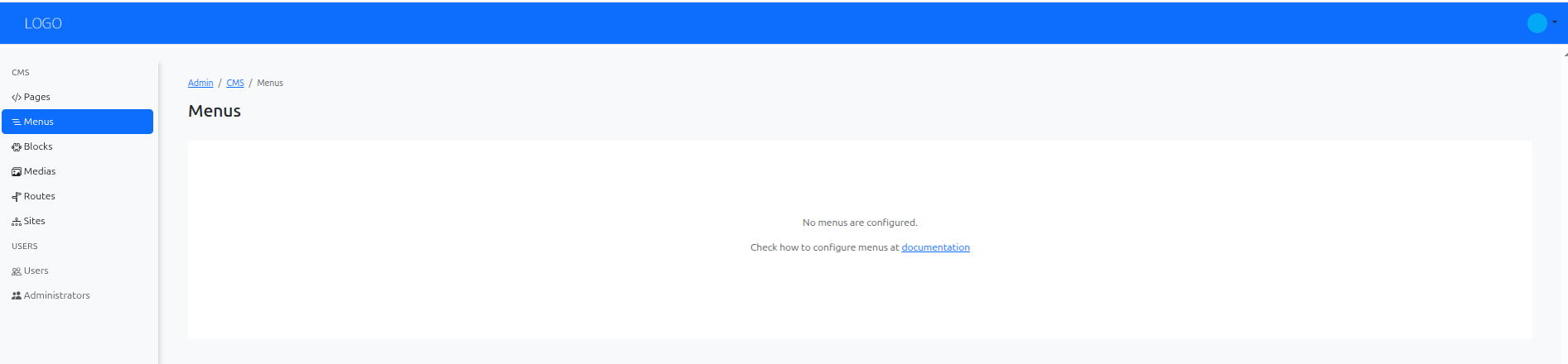
Menus organize links to pages, Symfony routes, or other supported destinations. A developer defines each menu type and places its rendering helper in the site layout; editors manage its items.
If the type you need is missing, see Configure menus.
Choose the menu type
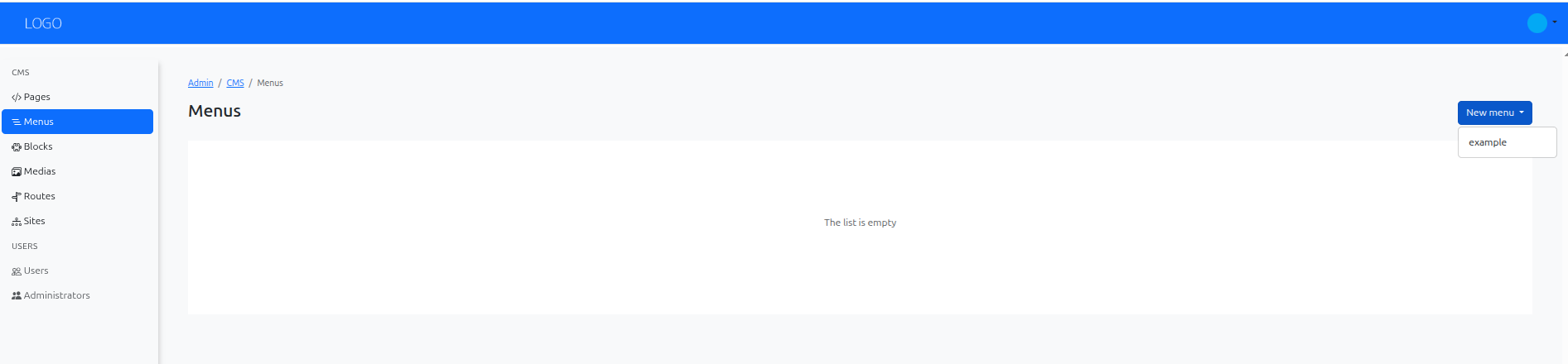
Open CMS / Menus, choose New menu, and select a configured type such as Main.
Add labels and destinations
Give the menu an internal name, such as Main navigation. Use Add element for each link:
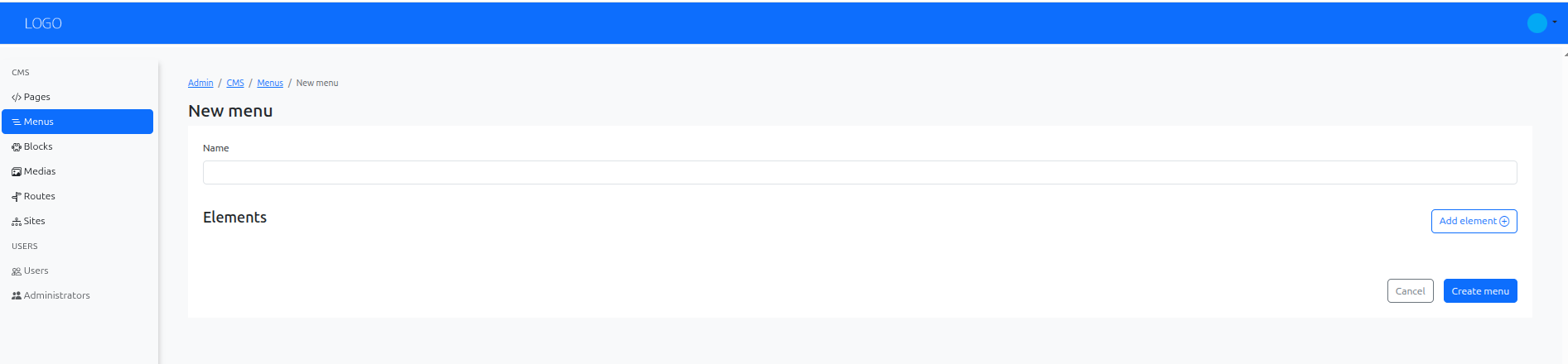
Enter the link text in the available languages and choose its route. Fill any route parameters required by that destination. For example, About can point to the about CMS route created with the page.
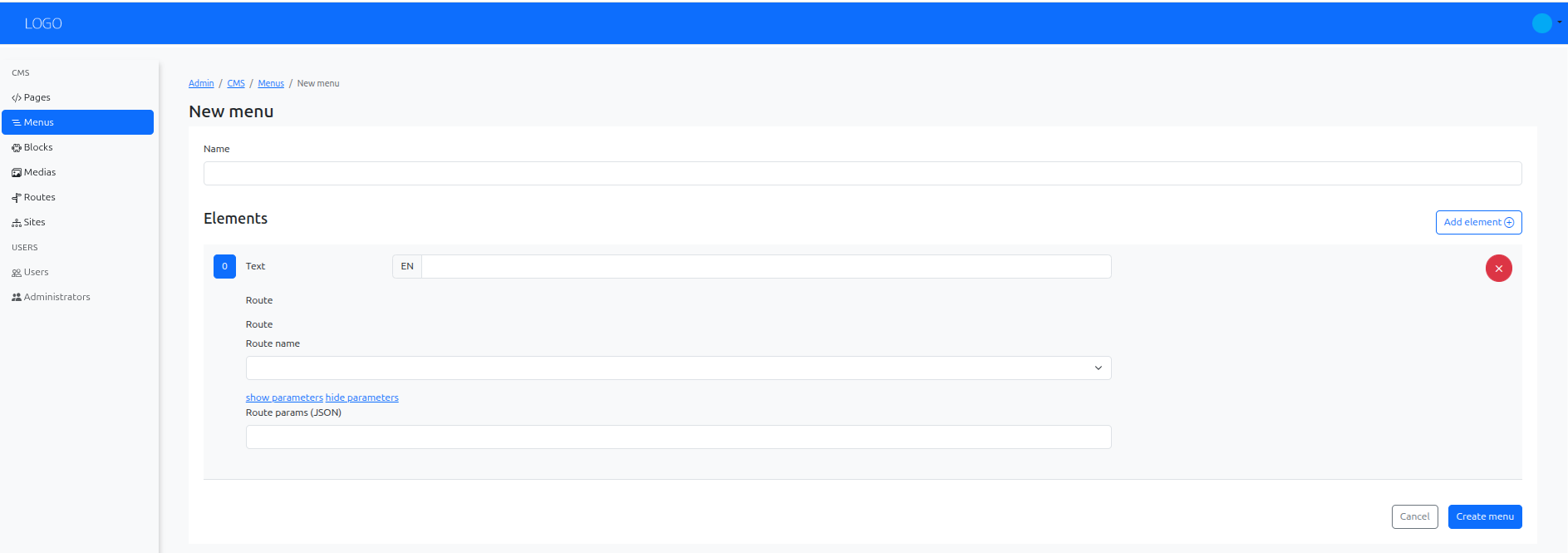
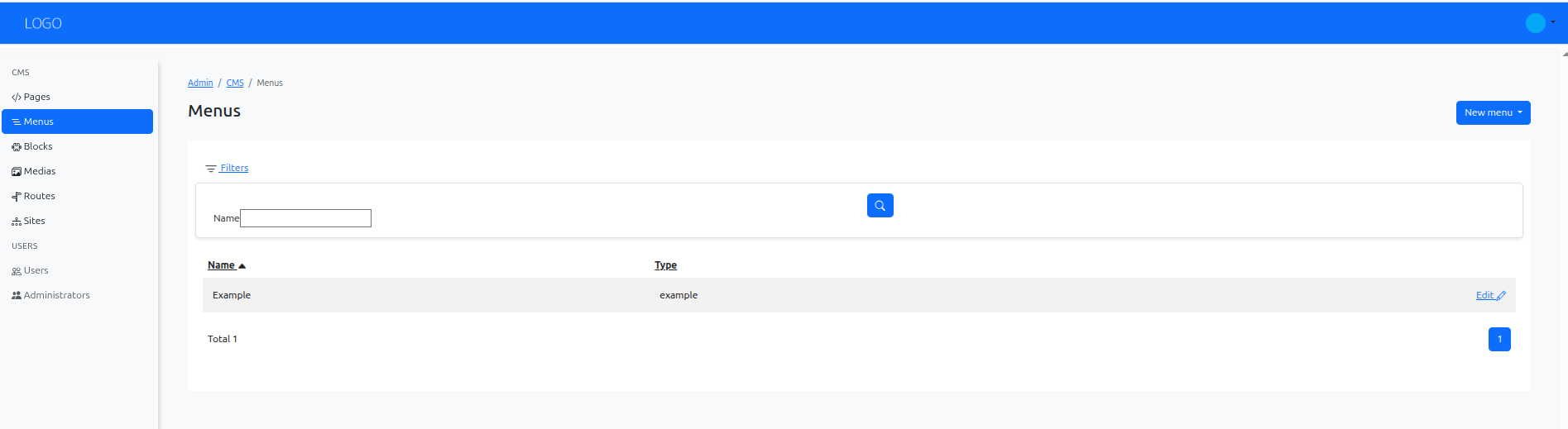
Arrange the items in the intended order and choose Create menu. Confirm the result in the list:
Check the public navigation
Open a page whose layout renders this menu. Follow each link and verify its label in every enabled language. A menu item can refer to unpublished content, but visitors cannot use that page successfully until it is published.
Creating a menu record does not add it to a layout automatically. If it does not appear, ask a developer to check the menu type and the sfs_cms_menu() call in the page layout. The small website walkthrough includes both setup and editing steps.