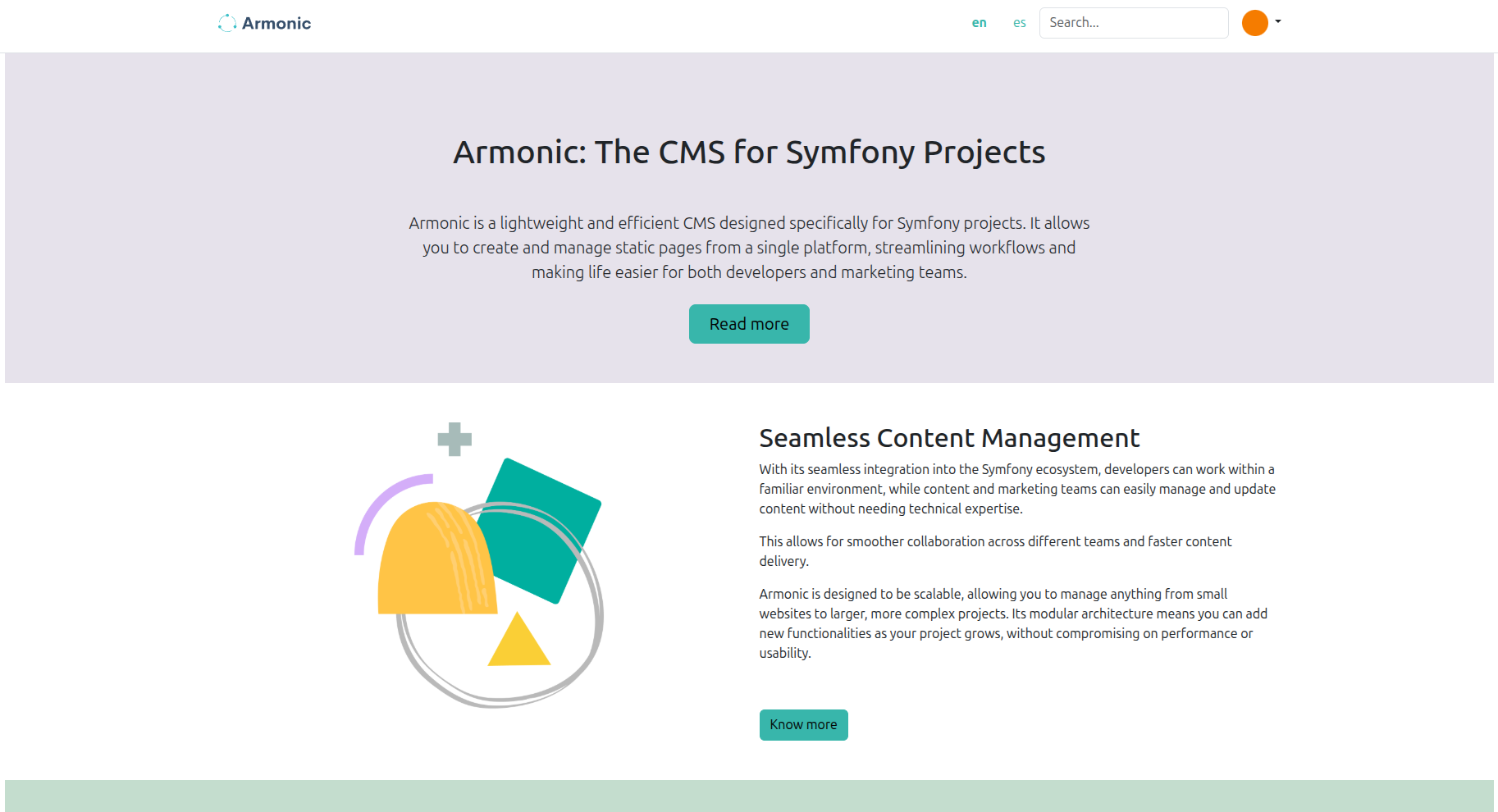
Armonic standalone
Armonic Standalone is a Symfony application with Armonic already integrated. Use it to explore the editor, build a first website, or start an application from an existing CMS setup.
This guide uses the 6.0 branch and a local database containing only development data.
Check the tools
Install PHP 8.4 or later, Composer, a Node.js version compatible with the installed Encore dependencies, npm, Docker Compose, and optionally Symfony CLI. Check Requirements for PHP extensions and image-processing tools. Installing an unversioned distribution php-cli package does not guarantee the required PHP version.
Clone and install
git clone --branch 6.0 https://github.com/softspring/armonic-standalone
cd armonic-standalone
composer install
Composer installs the PHP dependencies before npm resolves the frontend packages from vendor/. Keep the supplied Webpack version while following this guide.
Configure the database
The checkout includes a MySQL Compose service. To use PostgreSQL, replace that database definition with the corresponding service from Configure MySQL or PostgreSQL, keeping unrelated services.
Choose one connection in .env.local and adapt its port to your Compose mapping:
MySQL:
DATABASE_URL="mysql://app:app_password@127.0.0.1:33061/app?serverVersion=8.4&charset=utf8mb4"
PostgreSQL:
DATABASE_URL="postgresql://app:app_password@127.0.0.1:54321/app?serverVersion=17&charset=utf8"
Use pdo_mysql for MySQL or pdo_pgsql for PostgreSQL. The current standalone Composer manifest also requires mysqli, including when PostgreSQL is selected.
For PostgreSQL, remove MySQL-only charset: utf8mb4 and default_table_options charset/collation from config/packages/doctrine.yaml. Keep the ORM mappings. The database guide includes equivalent YAML and PHP connection configuration.
Start the database, check the connection, and run the migrations:
docker compose up -d --wait database
php bin/console cache:clear
php bin/console dbal:run-sql 'SELECT 1'
php bin/console doctrine:migrations:migrate -n
Use a new local database for this walkthrough. Do not substitute doctrine:schema:create for the migration step: the migrations also exercise the bundle upgrade path.
Build the assets
npm install
npm run dev
For an optimized build, use npm run build. The admin shell, sidebar, form widgets, and content editor need the generated assets; a page that renders HTML without them does not validate the full setup.
Prepare demo data and an administrator
Optionally load the example fixtures only in the disposable local database. The default fixture command purges existing data:
php bin/console doctrine:fixtures:load
Create the administrator after loading fixtures so the fixture purge does not remove it:
php bin/console sfs:user:create admin reader@example.com 'local-demo-change-this-password' --enabled --admin
php bin/console sfs:user:promote reader@example.com --super-admin
Log in by email. Use a unique password outside this local walkthrough.
Start the application
symfony server:start -d
Open the URL printed by Symfony CLI. If using local HTTPS, install Symfony's local certificate authority according to its setup instructions. The examples below use port 8000; adapt them to your server.
Usage
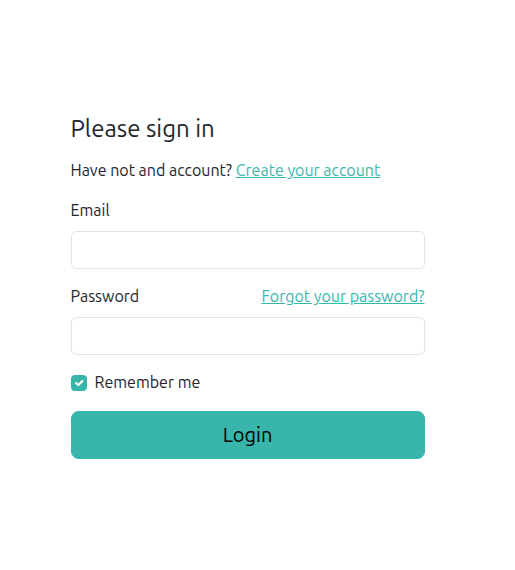
Open your browser and go to https://127.0.0.1:8000/app/en/login (or https://127.0.0.1:8000/app/es/login if you prefer in Spanish).
Log in with the email and password you created in the previous step.
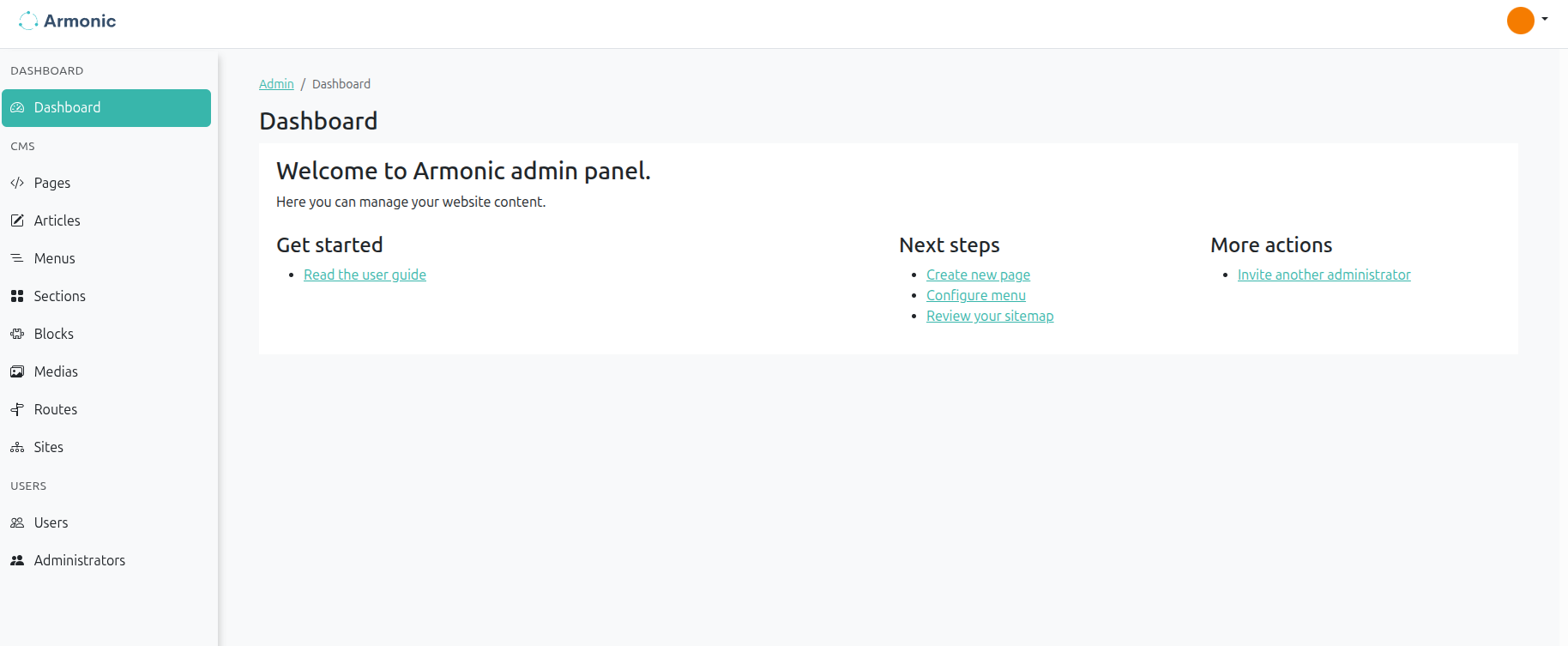
You are done! You can now start working with Armonic Standalone at https://127.0.0.1:8000/admin/en/.
If you loaded the optional fixtures and want to see the example page, you can consult the page at https://127.0.0.1:8000/admin/en/cms/pages/ , its name is 'Home'.
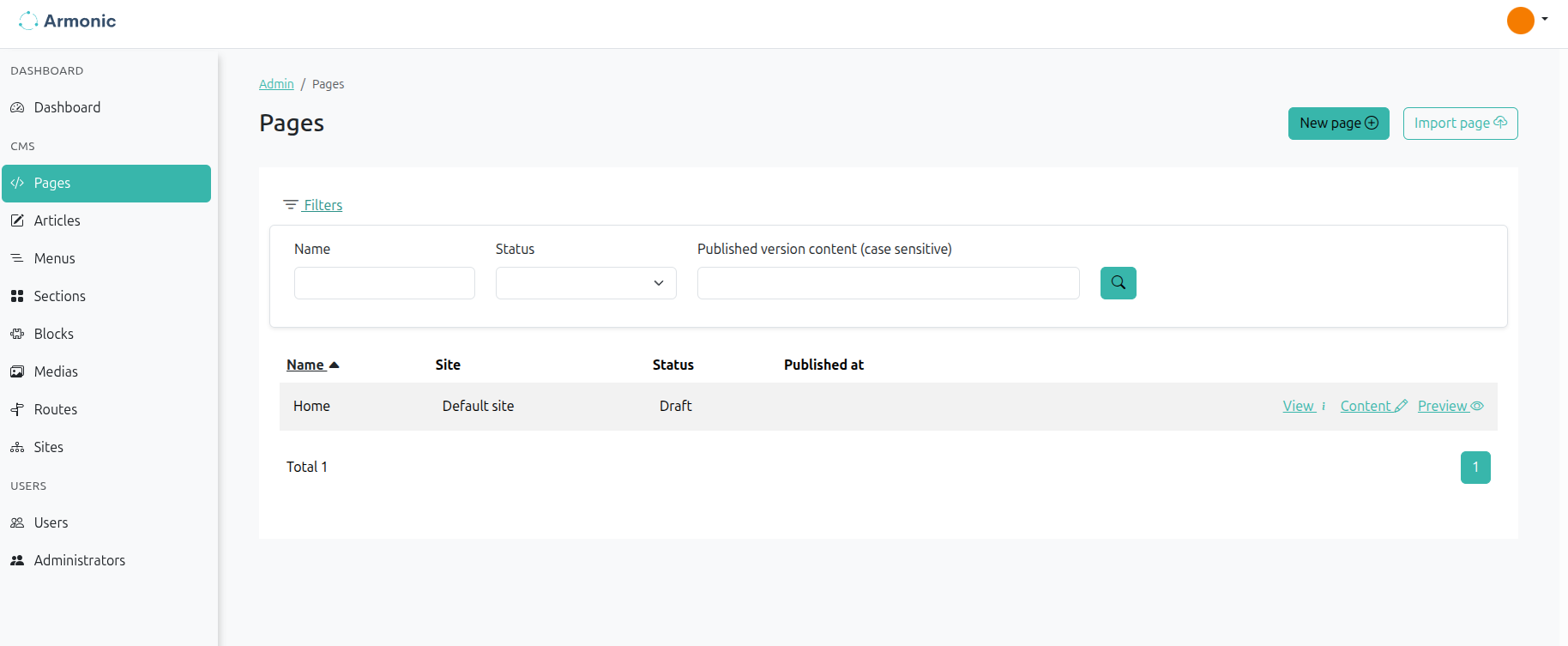
Open Content to edit the page. View opens its details and version history.
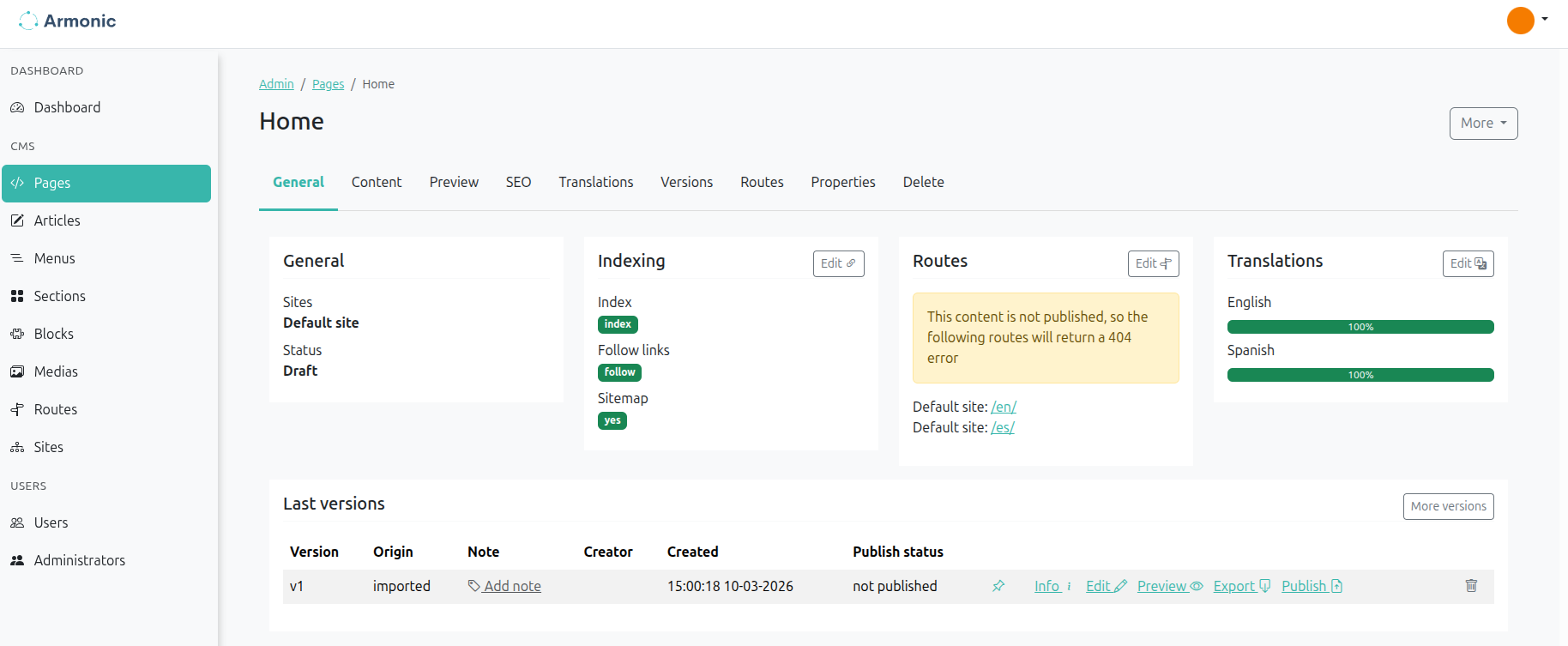
In the content editor, open the arrow next to Save version and choose Save and publish. You can then see the page at https://127.0.0.1:8000/en/ (adjust the port to match your local server).