Create routes
A CMS route connects a public path to content or a redirect. It has an internal identifier, site associations, and locale-specific paths.
Creating a page through CMS / Pages normally creates its route too. Use CMS / Routes when adding another path, setting up a redirect, or organizing a route hierarchy. Avoid creating a second route for a path already in use.
Open the route creator
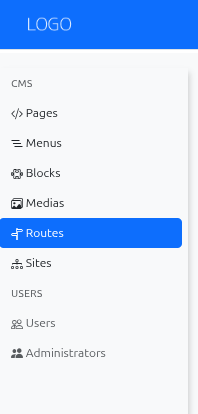
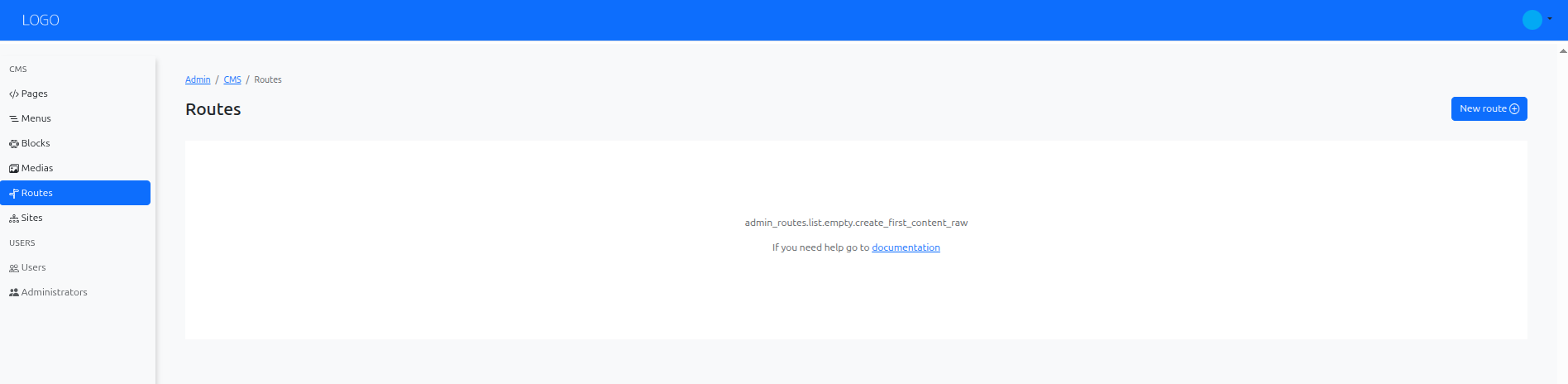
Open CMS / Routes and choose New route.
Configure the destination
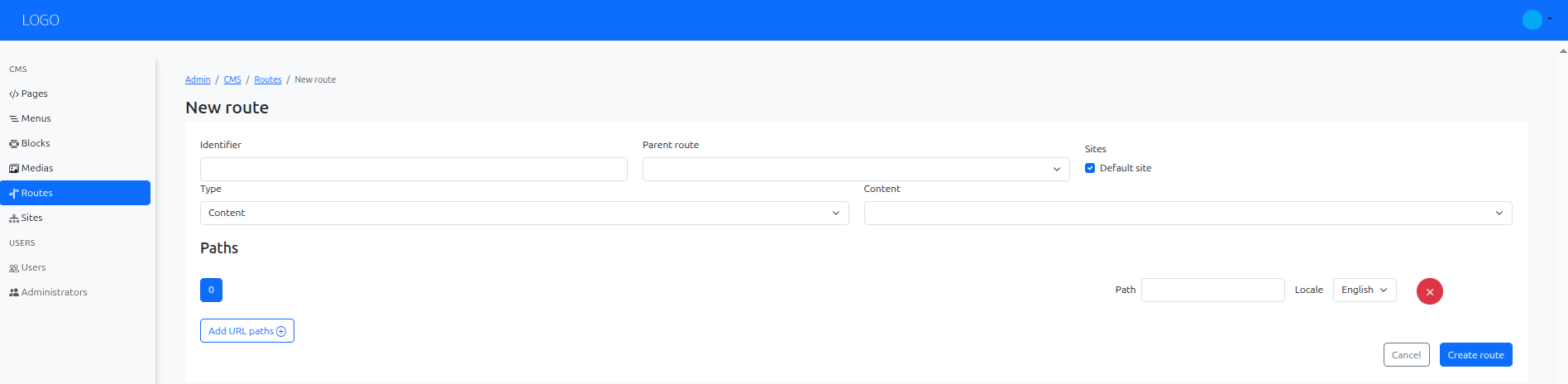
Choose a unique Identifier, such as welcome, and select the sites where the route applies. Identifiers begin with a letter and use letters, digits, or underscores; use at least four characters.
Select its Type:
| Type | Use it to |
|---|---|
| Content | Render a CMS content record. The content must belong to the selected sites. |
| Redirect to route | Redirect to an existing route, with its required parameters. |
| Redirect to URL | Redirect to a URL entered in the form. |
| Parent | Group nested routes without selecting a content record. |
For a content route, choose the page or content record. Add the public path for each required locale. For example, /welcome under a site's English /en/ prefix produces /en/welcome.
For a redirect, choose temporary or permanent behavior deliberately. A permanent redirect can be cached by browsers and search engines, making it less convenient while testing a destination.
Save and test
Choose Create route, then open the route from its list:
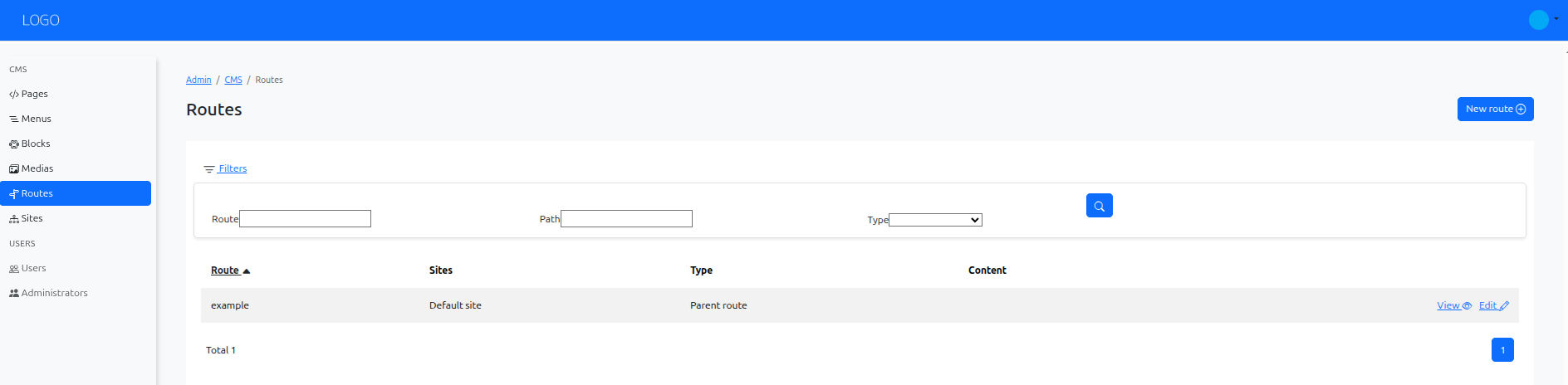
Visit the public path on the matching host and locale. For content routes, verify that the target has a published version. For redirects, check the destination and ensure it does not redirect back to the same URL.
Changing a route affects menu items and links that refer to it. Review those links after changing or removing a route.