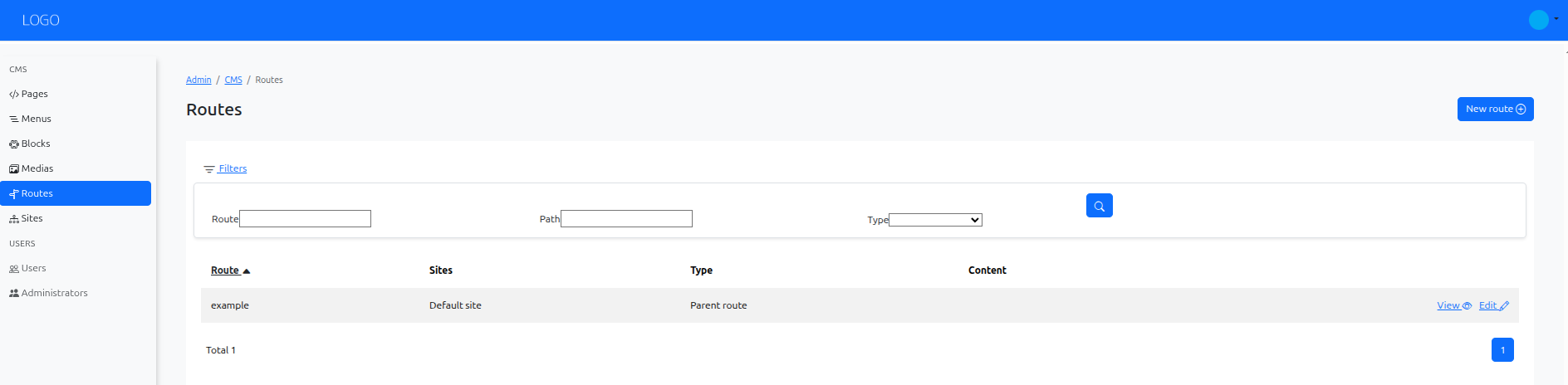
Create Routes in Armonic CMS
In Armonic CMS, routes are essential for defining how your website's URLs are structured and how they connect to the content and controllers that manage the display of your pages. This section will guide you through the process of creating routes in Armonic CMS.
Accessing the Routes Section
Navigate to the Armonic CMS administration panel.
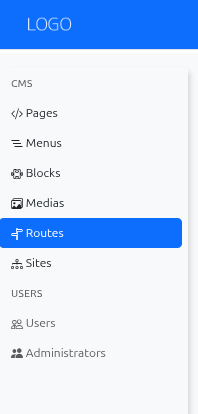
In the left sidebar, locate the CMS/Routes section.
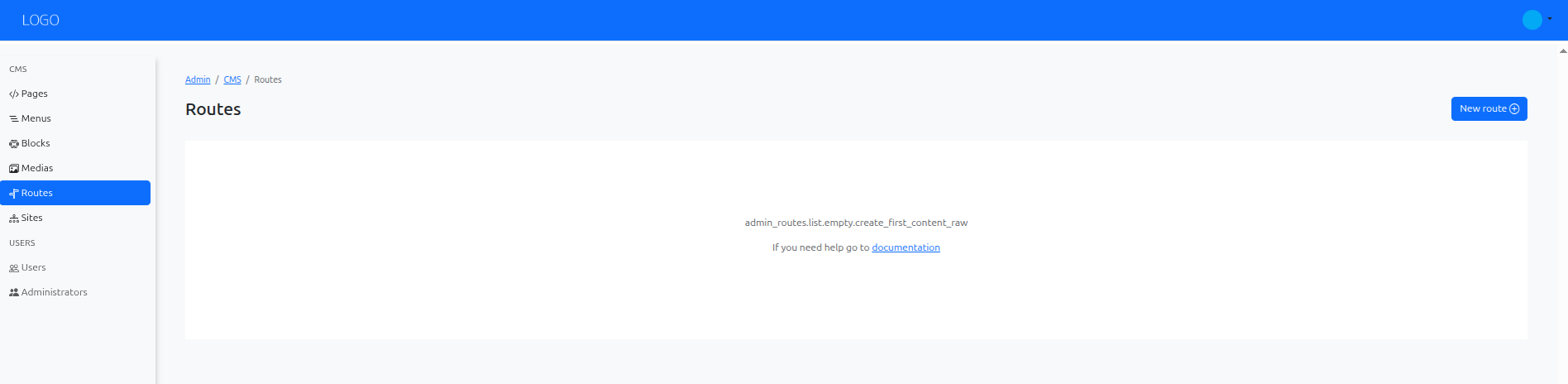
Creating a New Route
To create a new route, click on the ‘New Route’ button located in the top right corner of the Routes section.
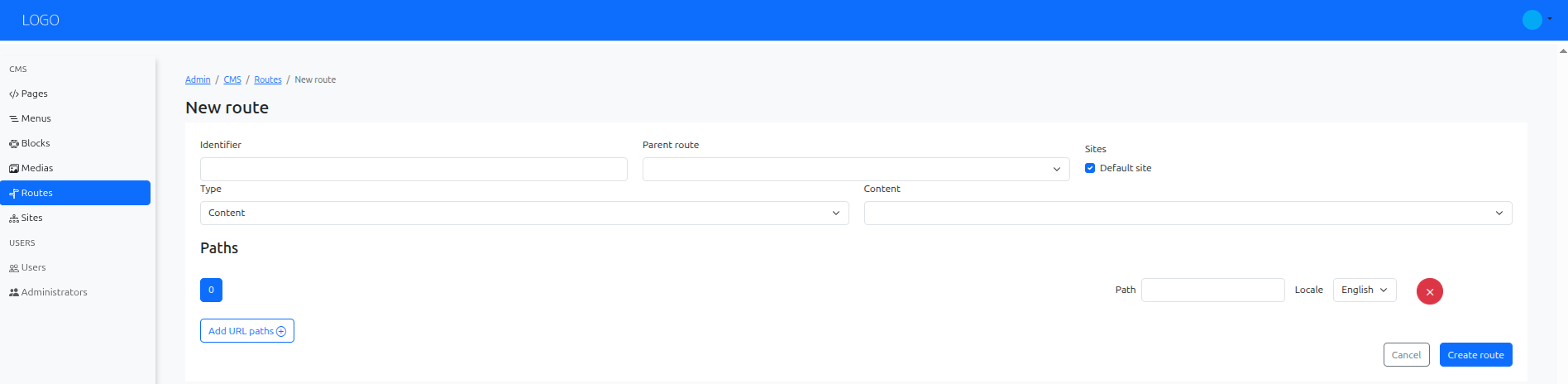
Filling Route Information
Once you click on the New Route button, a form will appear to define the route details.
Save, view and edit the route
After filling in the necessary information, click the ‘Save’ button to create the route.
Once saved, you can view the route details, edit its content, or delete it if needed.