Create a block
A block stores reusable content such as a contact invitation. When several pages use the same block record, editors can update that shared content once.
A developer must first define the available block types. If the creation menu has no suitable type, see Configure blocks.
Choose a block type
Open CMS / Blocks, then New block and choose a type. The screenshots use the contact call to action from Build a small website.
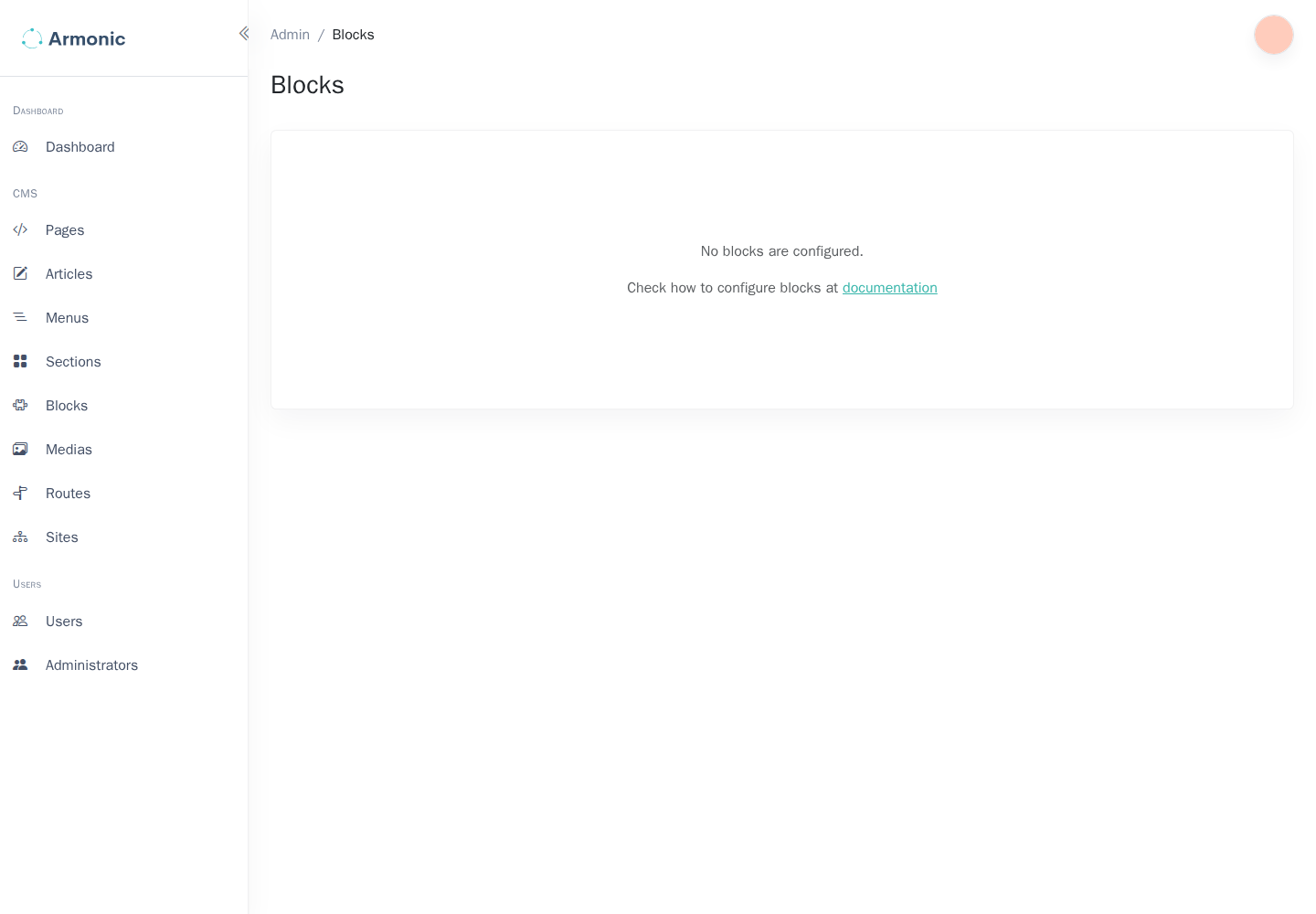
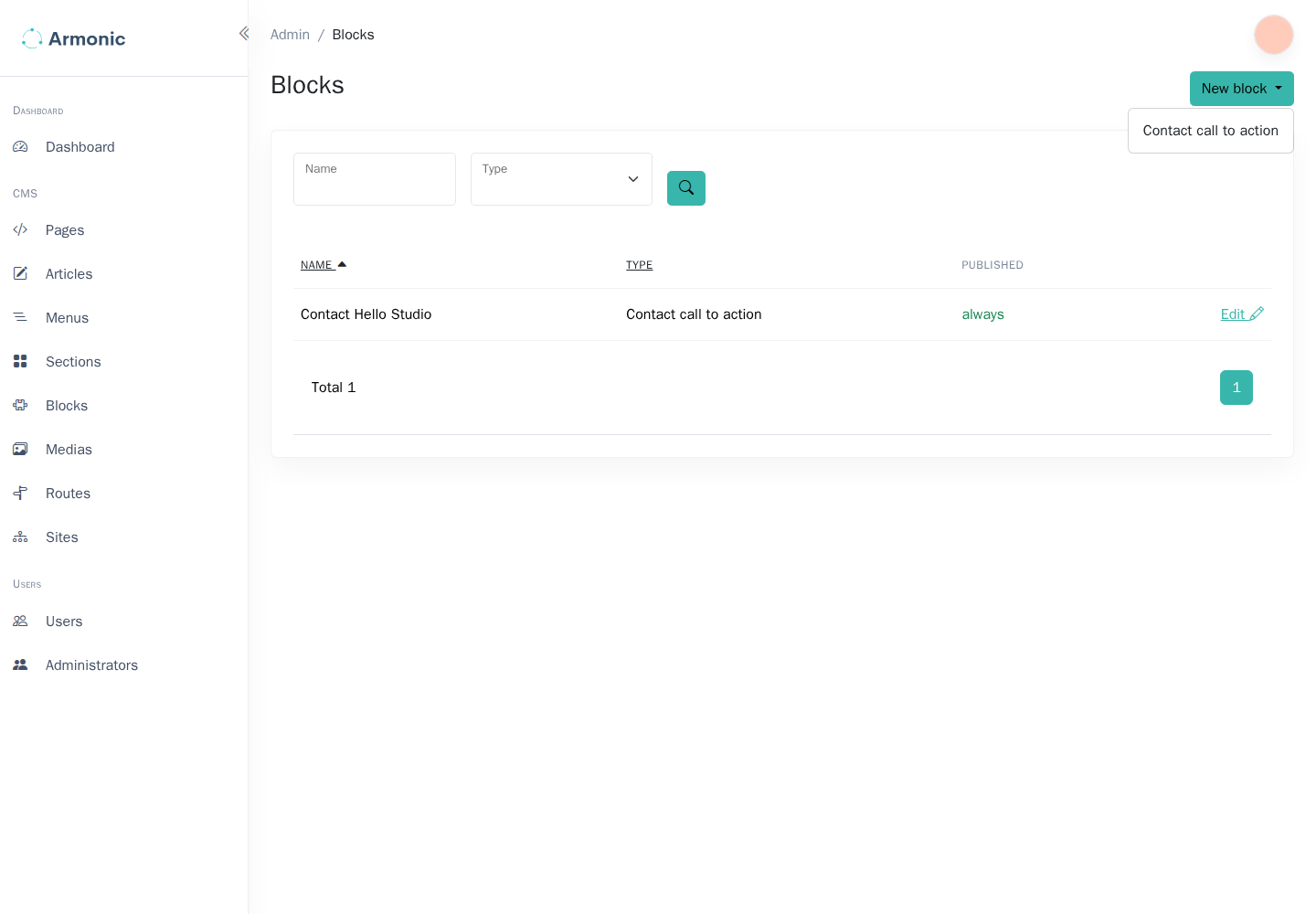
The list is defined by your application. A singleton type allows one record; a reusable type can allow several records with different data.
Fill in the content
Give the block a recognizable internal name, such as Contact invitation, and complete the fields supplied by its type. For the example call to action, enter a heading, message, and contact email.
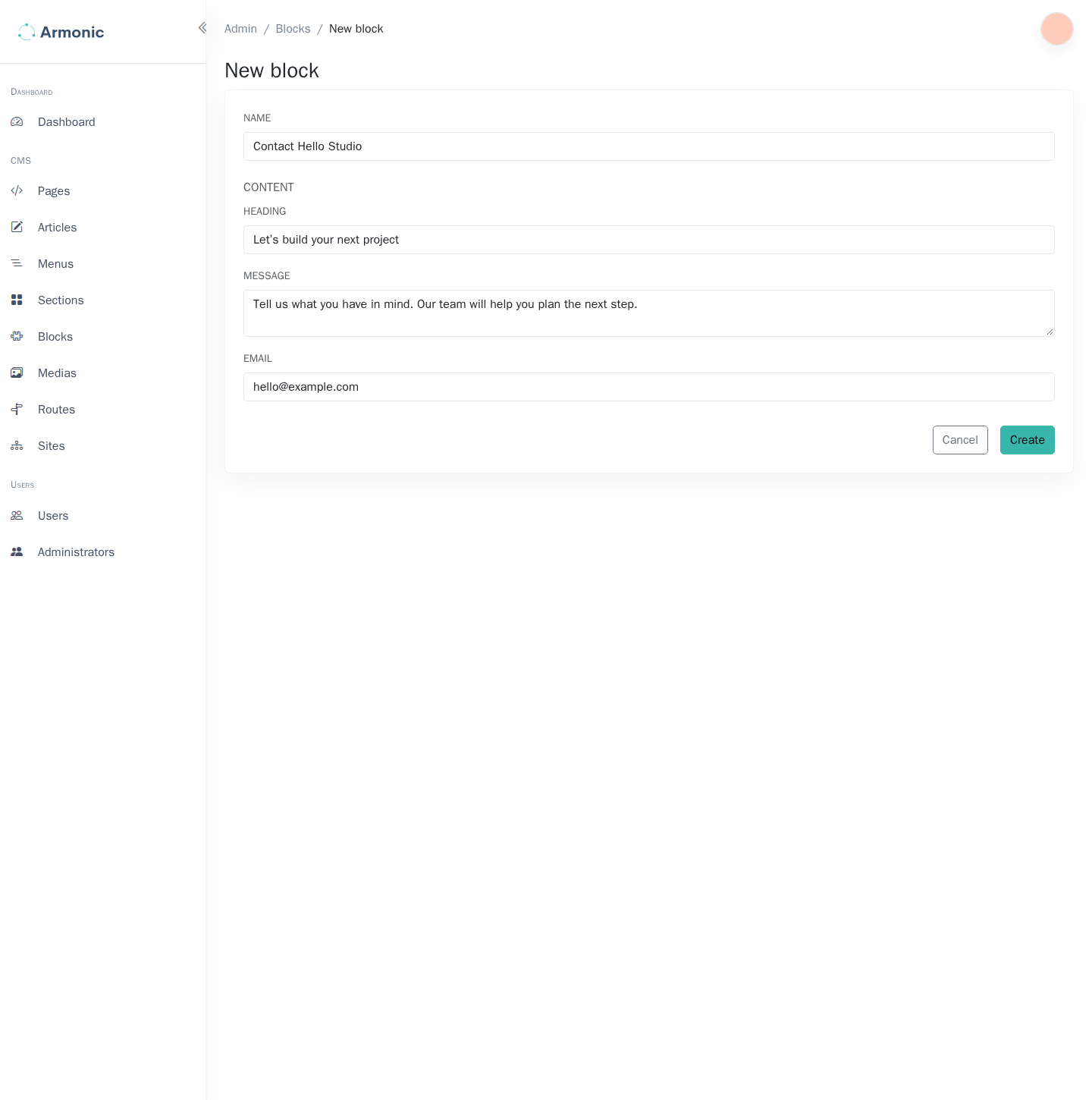
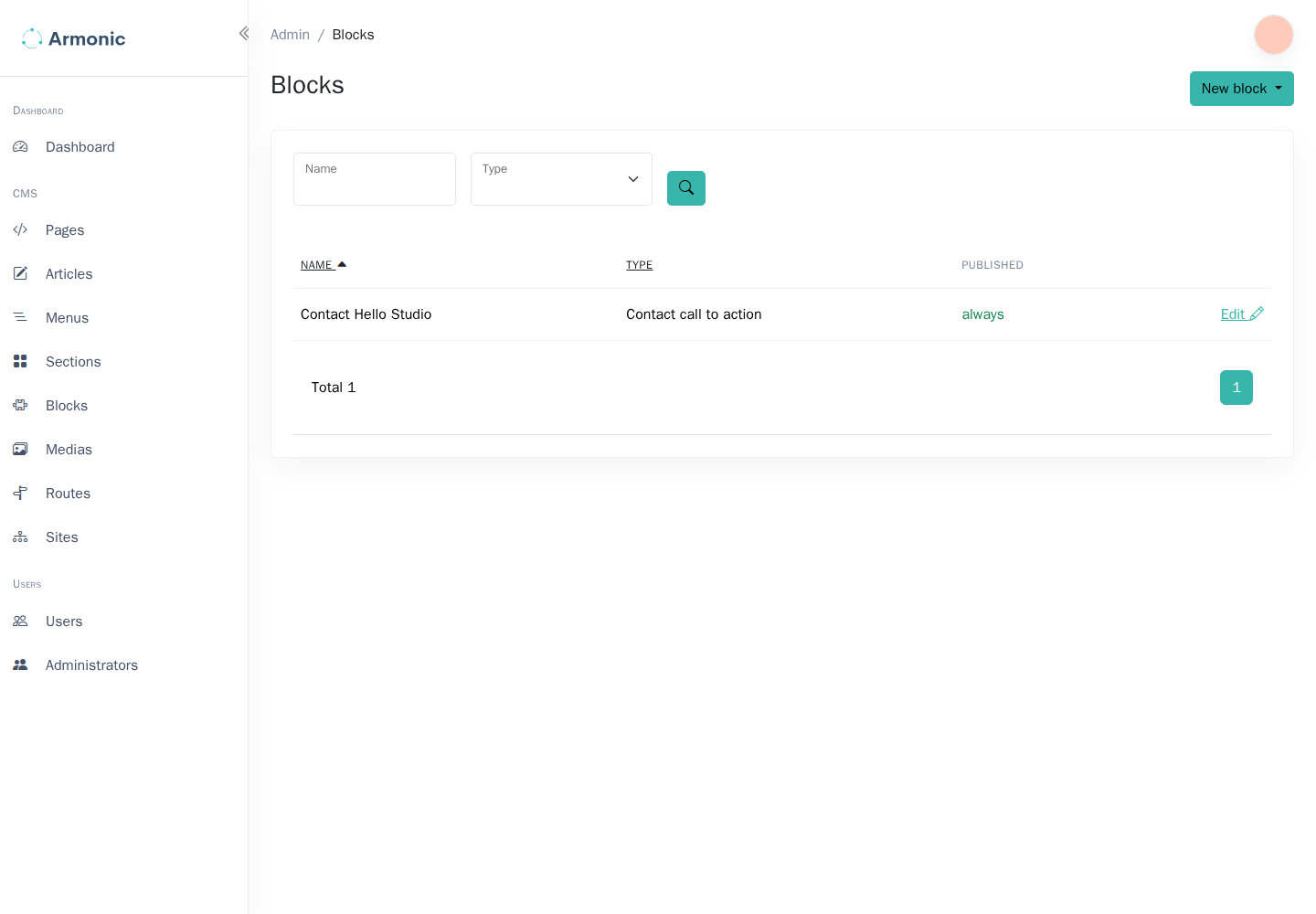
Choose Create. Confirm that the new record appears in the list:
Use it in a page
Open the page's content editor, insert Block instance, and select the record you created. Save, preview, and publish the page version.
Creating the record alone does not place it on a page. A developer can also render it directly from a Twig template.
When changing a shared block later, check every important page that uses it. Its edits are independent of page version history, so republishing an older page version does not restore an older block record.